Introduction to Sessions
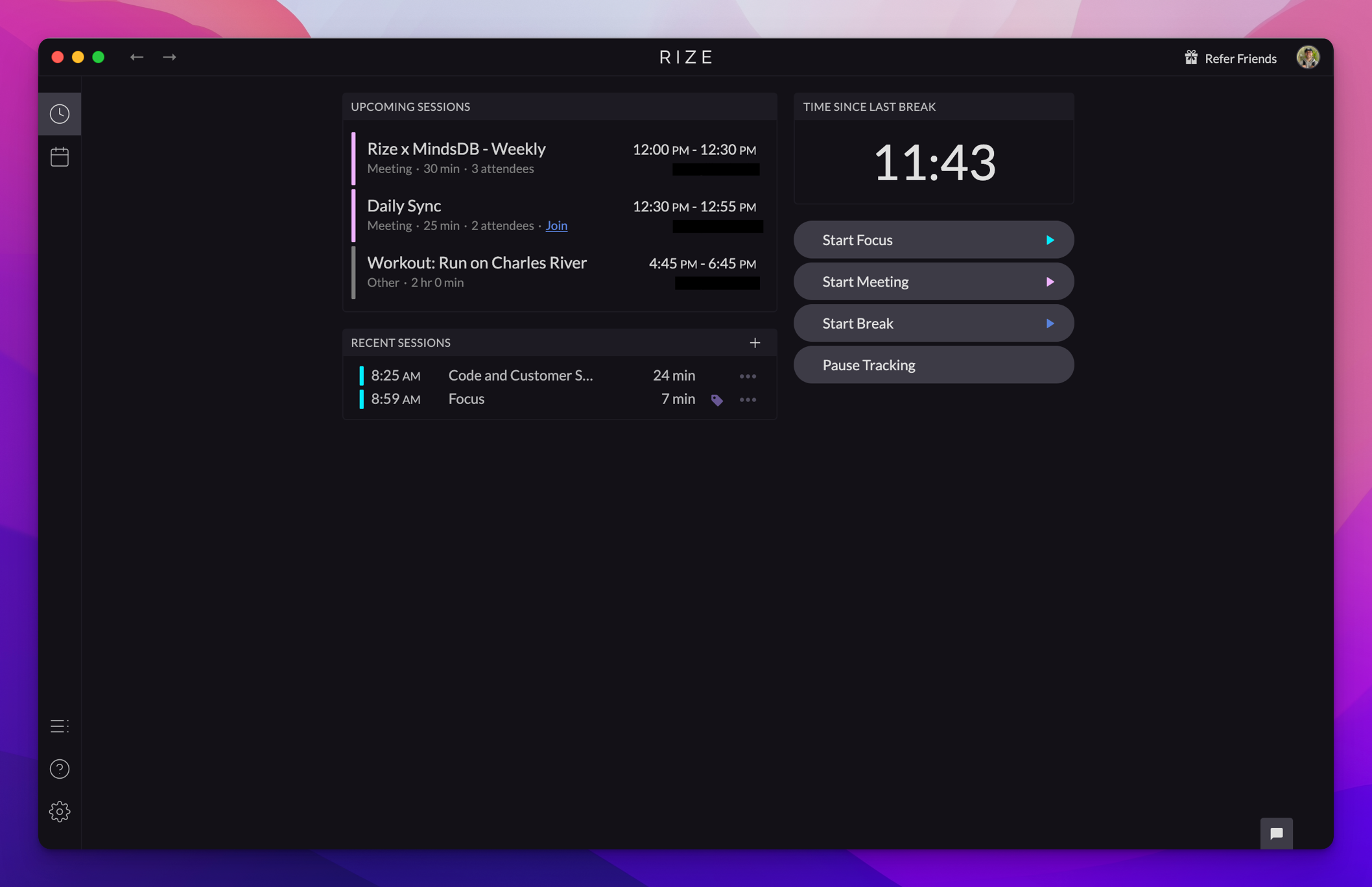
Sessions are a core component of Rize that help categorize the work you were doing into one of three groups: focus work, meetings, or breaks.
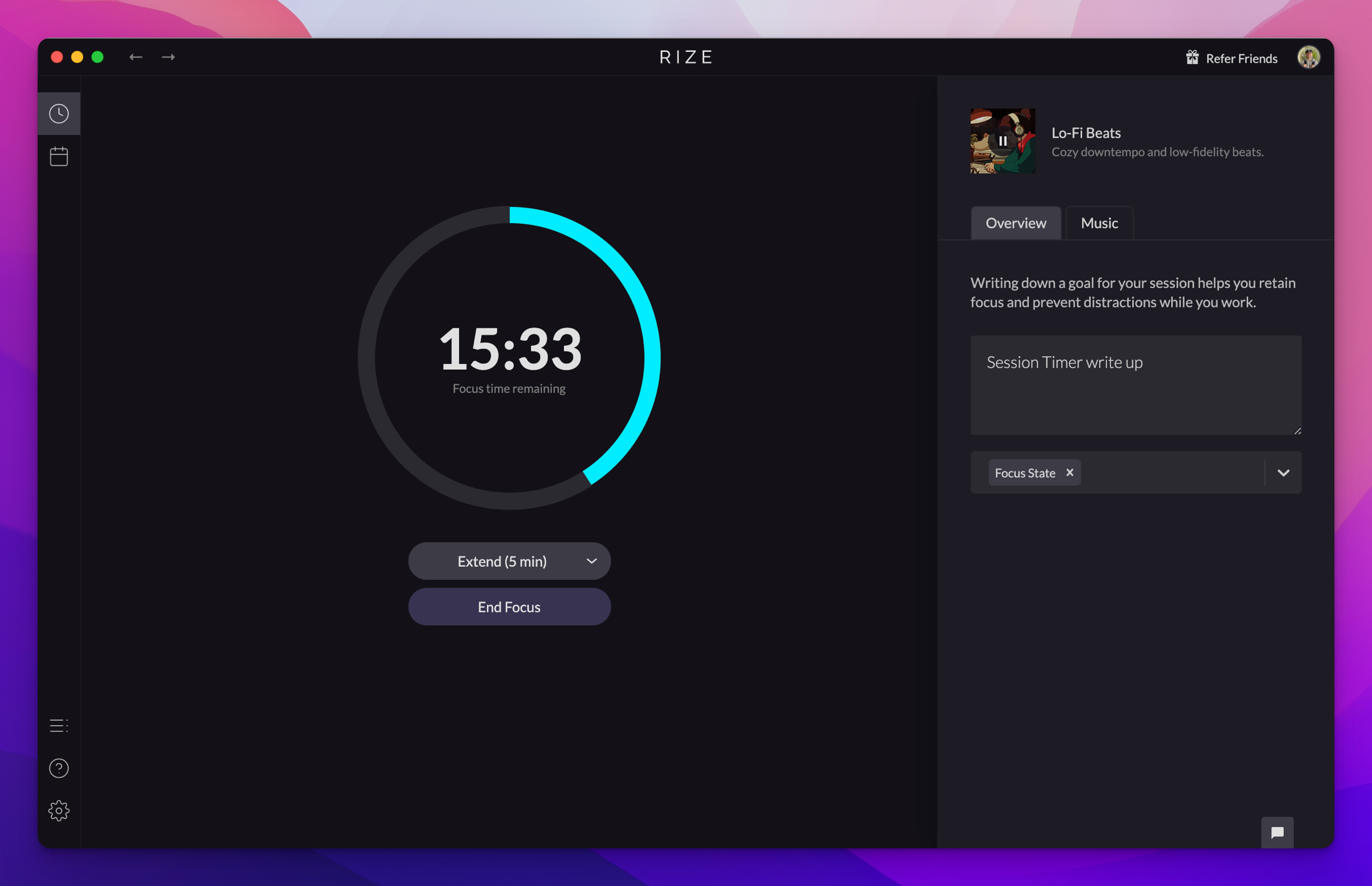
Typically, Rize automatically creates Sessions for you based on your activity, but you can also manually create a Session as needed.
How Sessions Work
Rize detects your work patterns and creates sessions automatically:
- Focus Sessions are created when you're working on focus-categorized apps and websites
- Meeting Sessions are created when calendar events are detected or you manually start one
- Break Sessions are created when idle time is detected or you manually start a break
Session Types
Focus Sessions
Focus sessions track your deep work time. During a focus session, Rize monitors your focus quality and can block distracting apps and websites.
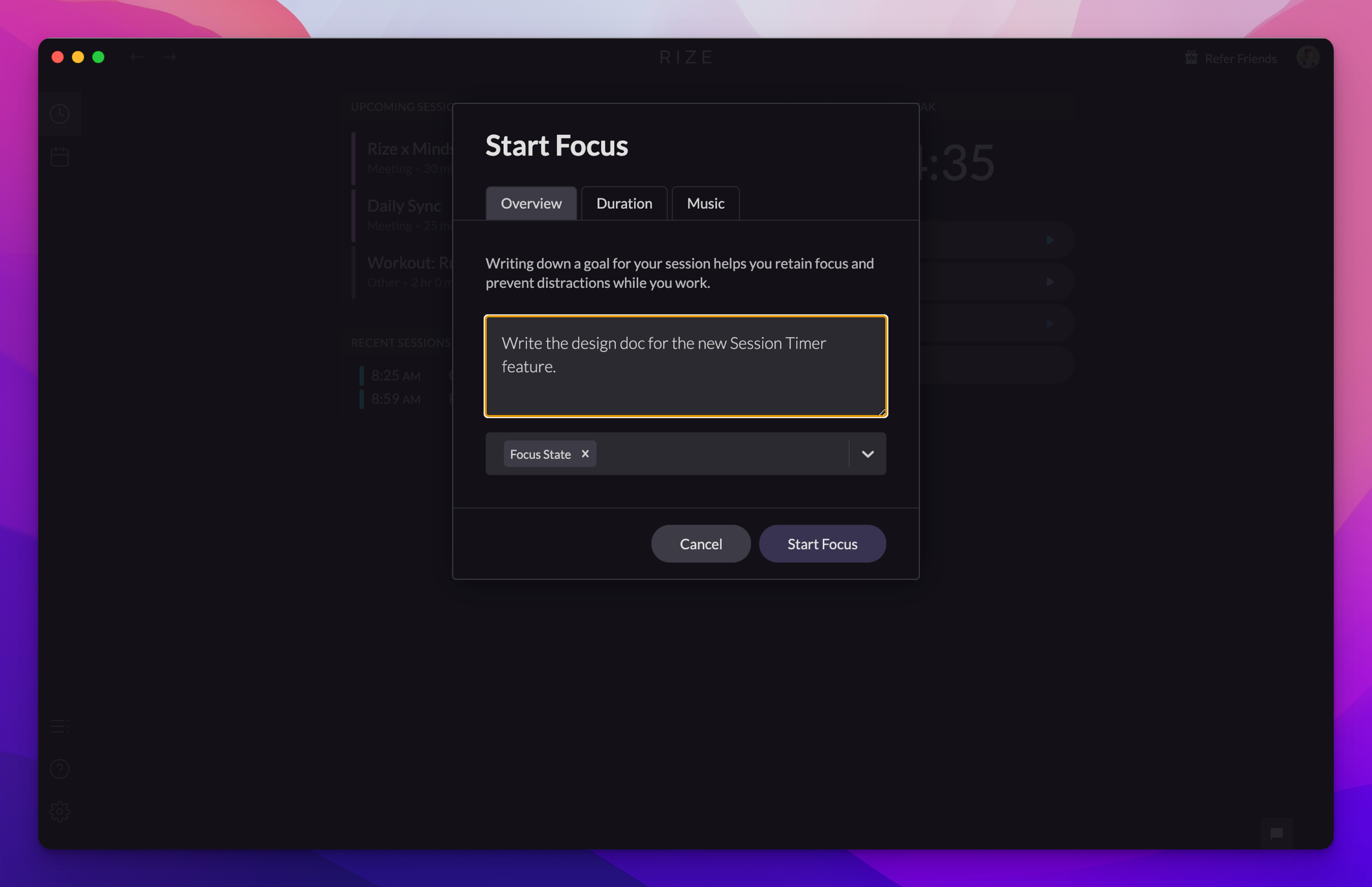
- Track Focus Quality Score with 20+ attributes
- Monitor context switching and app distractions
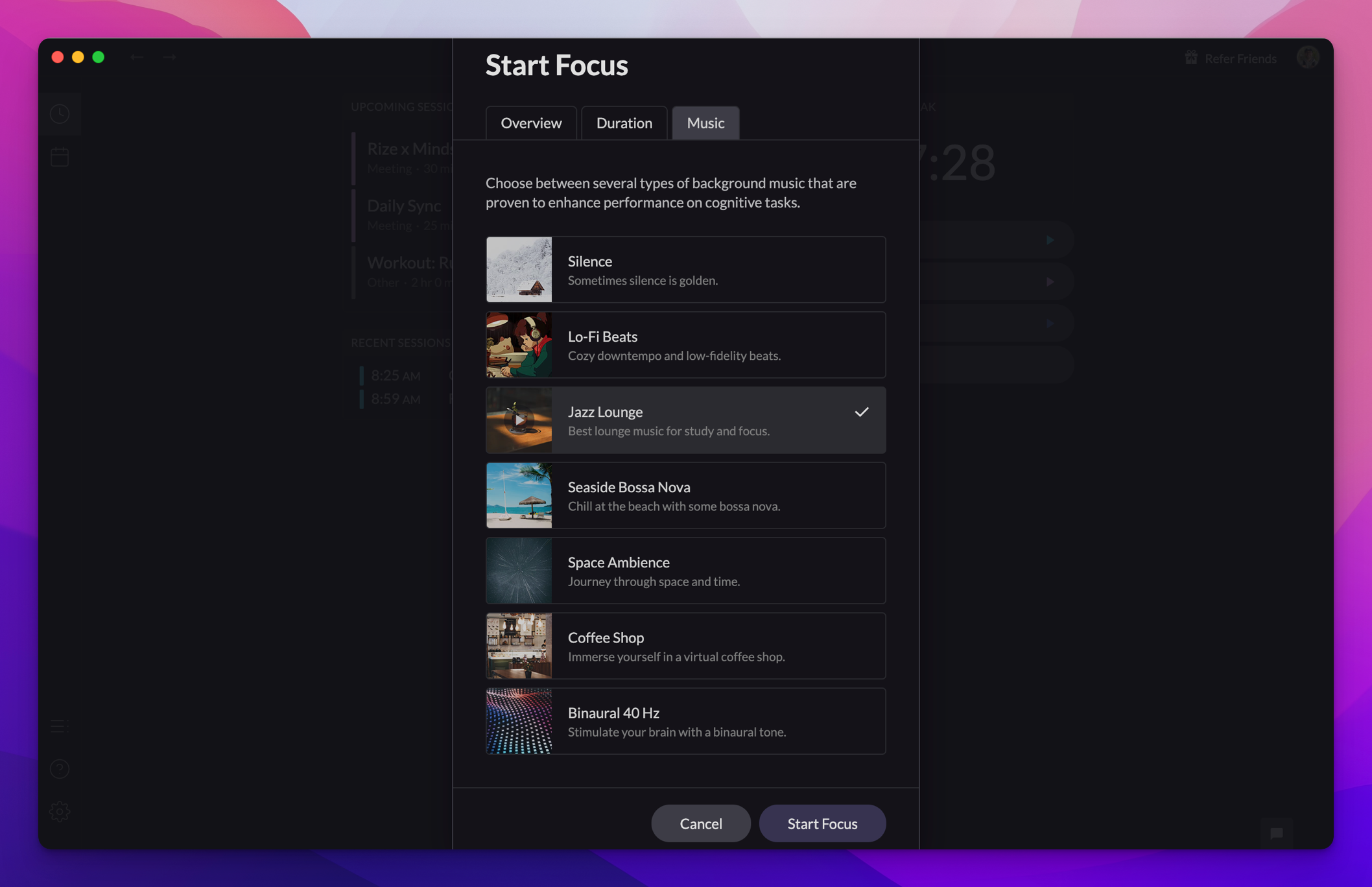
- Optional music selection for focus
- Configurable focus categories
Learn more in the Focus section.
Meeting Sessions
Meeting sessions track time spent in meetings, either detected from your calendar or created manually.
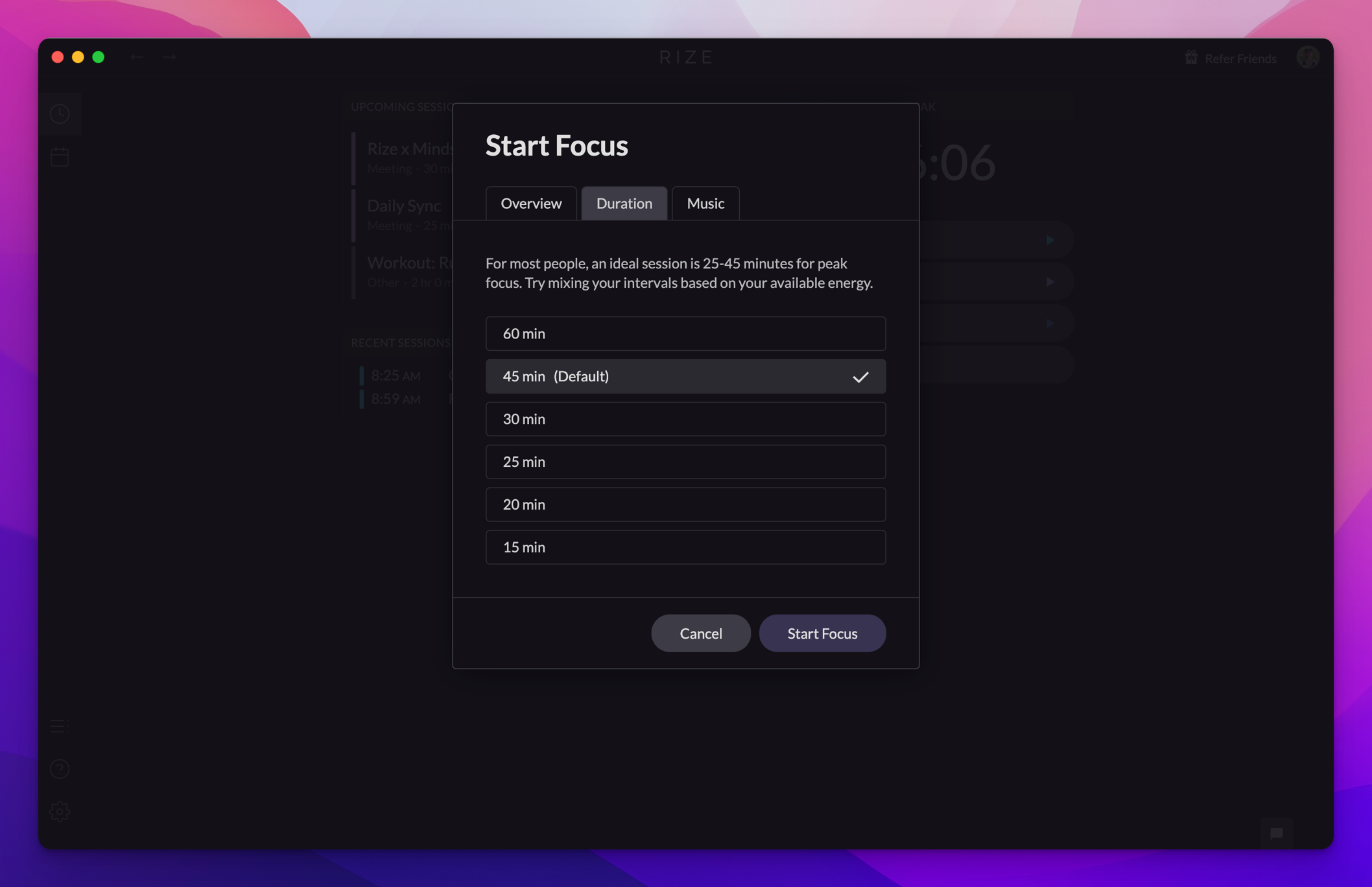
- Auto-detect meetings from calendar events
- Keyword-based meeting detection
- Meeting metrics and time analysis
Learn more in the Meetings section.
Break Sessions
Break sessions track your rest time, helping you maintain a healthy work-life balance.
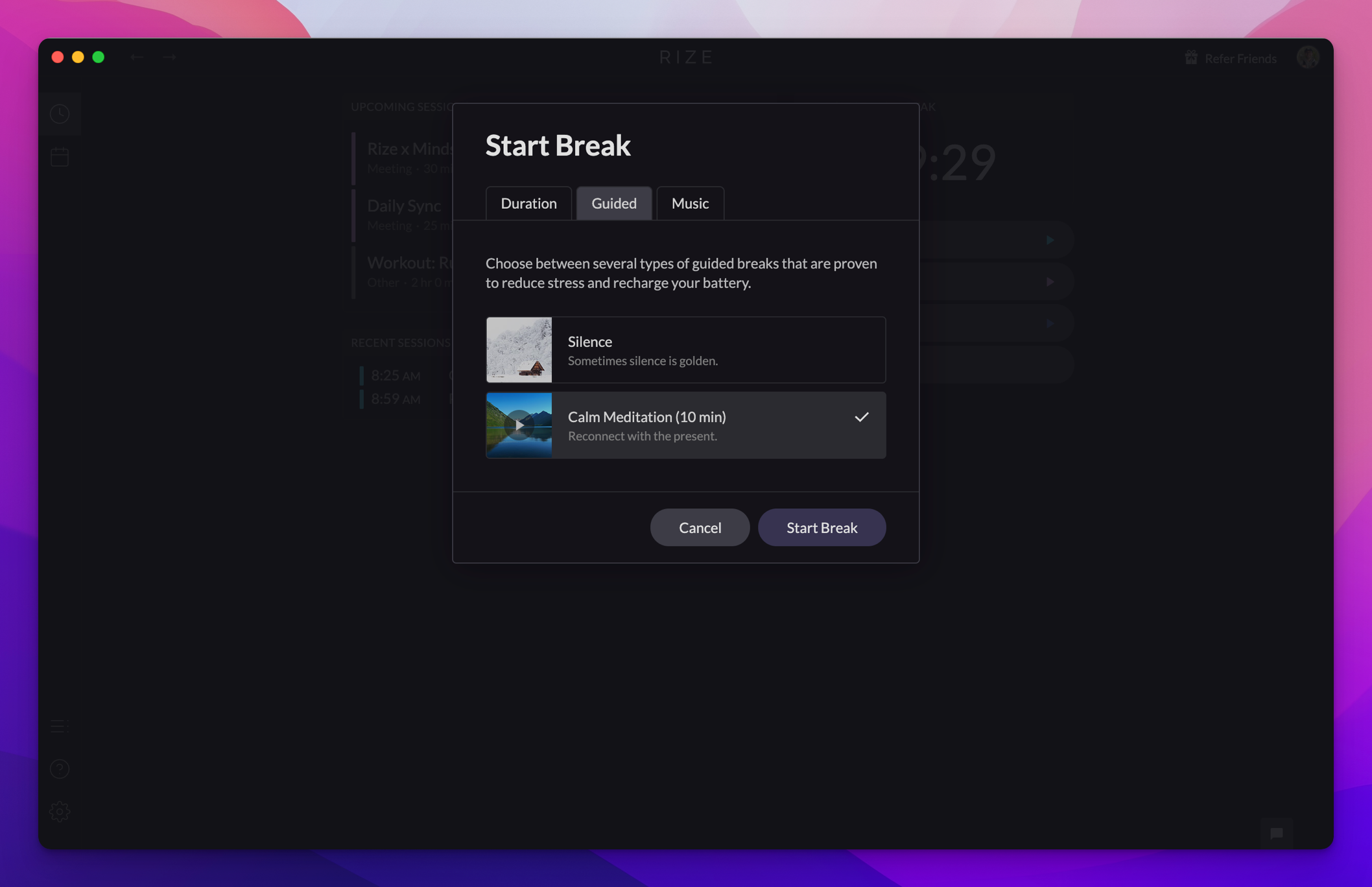
- Guided meditations for breaks
- Idle detection for automatic breaks
- Break metrics to ensure you're resting enough
Learn more in the Breaks section.
Session Timer
The Session Timer gives you a visual countdown and control over your current session.
Learn more about the Session Timer and Session Planning.