Introduction to Rize
Rize is a privacy-first automatic time tracker for real client work
Rize runs in the background on macOS and Windows, turns your activity into reviewable time entries, and helps you tag that time to clients, projects, and tasks with AI. It is designed for agencies, client services teams, freelancers, and operators who want accurate time data without manual timers or surveillance software.
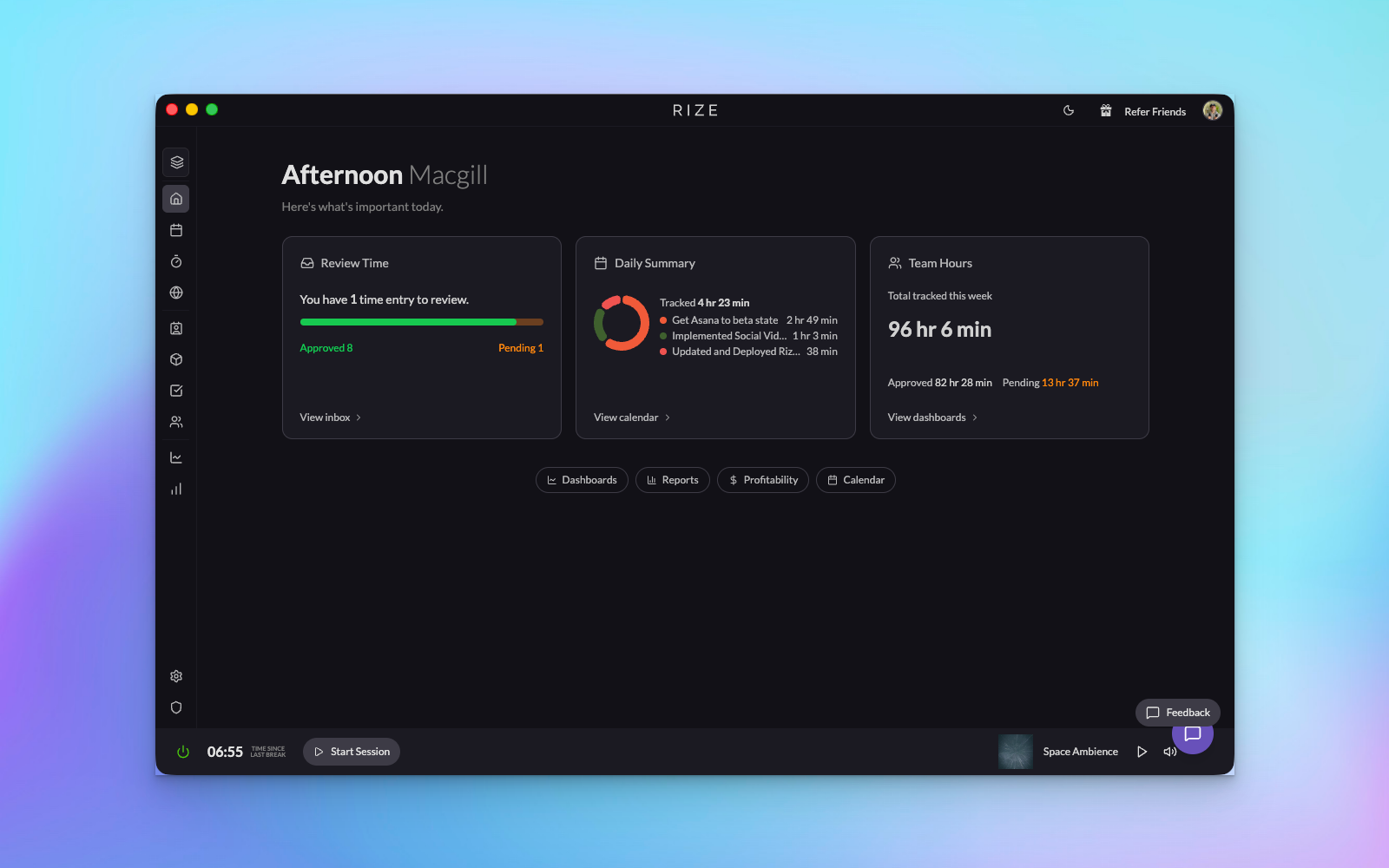
What Rize helps you do
Capture time automatically
Rize watches the active window metadata on your device and builds a timeline of work without making people start and stop timers all day.
Tag work with AI
Suggestions combine your rules, keywords, synced tasks, and activity context so time can land on the right client, project, and task faster.
Turn time into operational insight
Once your team is tagging accurately, you can use dashboards, reports, billable settings, and profitability metrics to understand utilization and margins.
Who Rize is best for
- Agency and client-services teams that need accurate, low-friction time data for reporting, utilization, budgets, and profitability.
- Freelancers, consultants, and solo operators who want tracked time tied to real clients and projects without managing a timer.
- Team admins who need better visibility into work allocation but do not want to introduce screenshot monitoring or keystroke logging.
What makes Rize different
- Automatic first: Rize is built around background tracking and review, not manual timer discipline.
- Privacy first: Rize captures metadata, not the contents of windows. There are no screenshots and no keylogging.
- Operationally useful: The goal is not just “productivity.” The goal is clean time data that supports staffing, billing, forecasting, and better team decisions.
- Trainable: Rize gets better as you add rules, correct suggestions, connect integrations, and build a shared data model for your work.
If you are rolling Rize out to a team, the easiest way to build trust is to explain the product clearly: Rize tracks metadata only, users review and approve time, and managers do not need screenshots or invasive surveillance to understand how work is allocated.
Video Overview
Get a quick overview of Rize and its key features:
Getting Started
If you are new to Rize, these are the most useful next steps:
- Using Rize Effectively for the practical rollout and daily workflow.
- Time Entry Suggestions Settings if your first question is how to improve accuracy.
- Tracking Overview if you need the privacy and setup explanation.
- Profitability Overview if you are setting up billing, budgets, or client reporting.
- What's New in Rize for the newest product changes and feature launches.